 Qcyq
QcyqGround Telegraphs
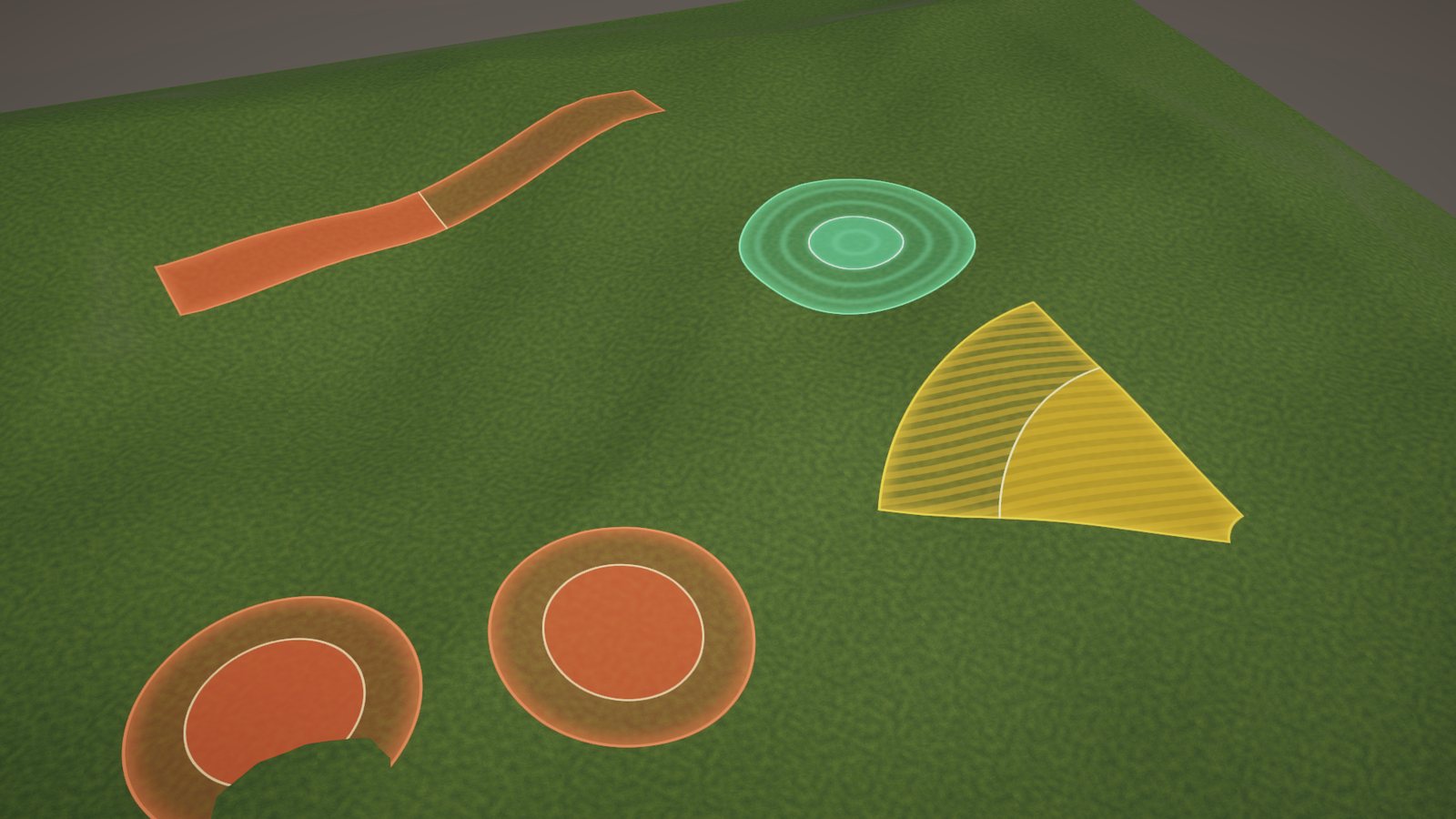
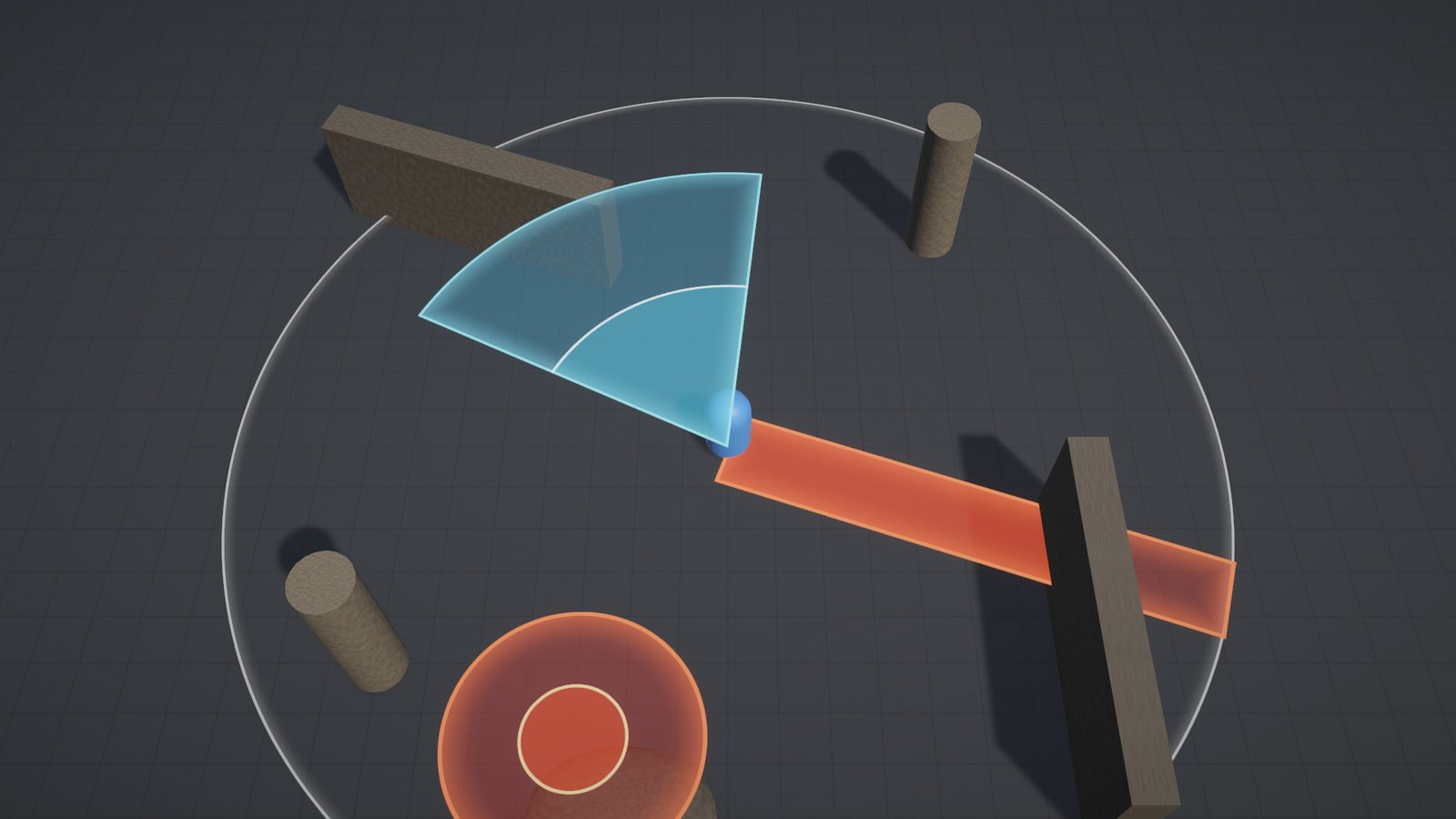
Procedural AoE and skill indicators for the Universal Render Pipeline. They show players where the hit will land, and they stay readable on bumpy floors, slopes and terrain.
Play the WebGL demo
Unity Asset Store: coming soon
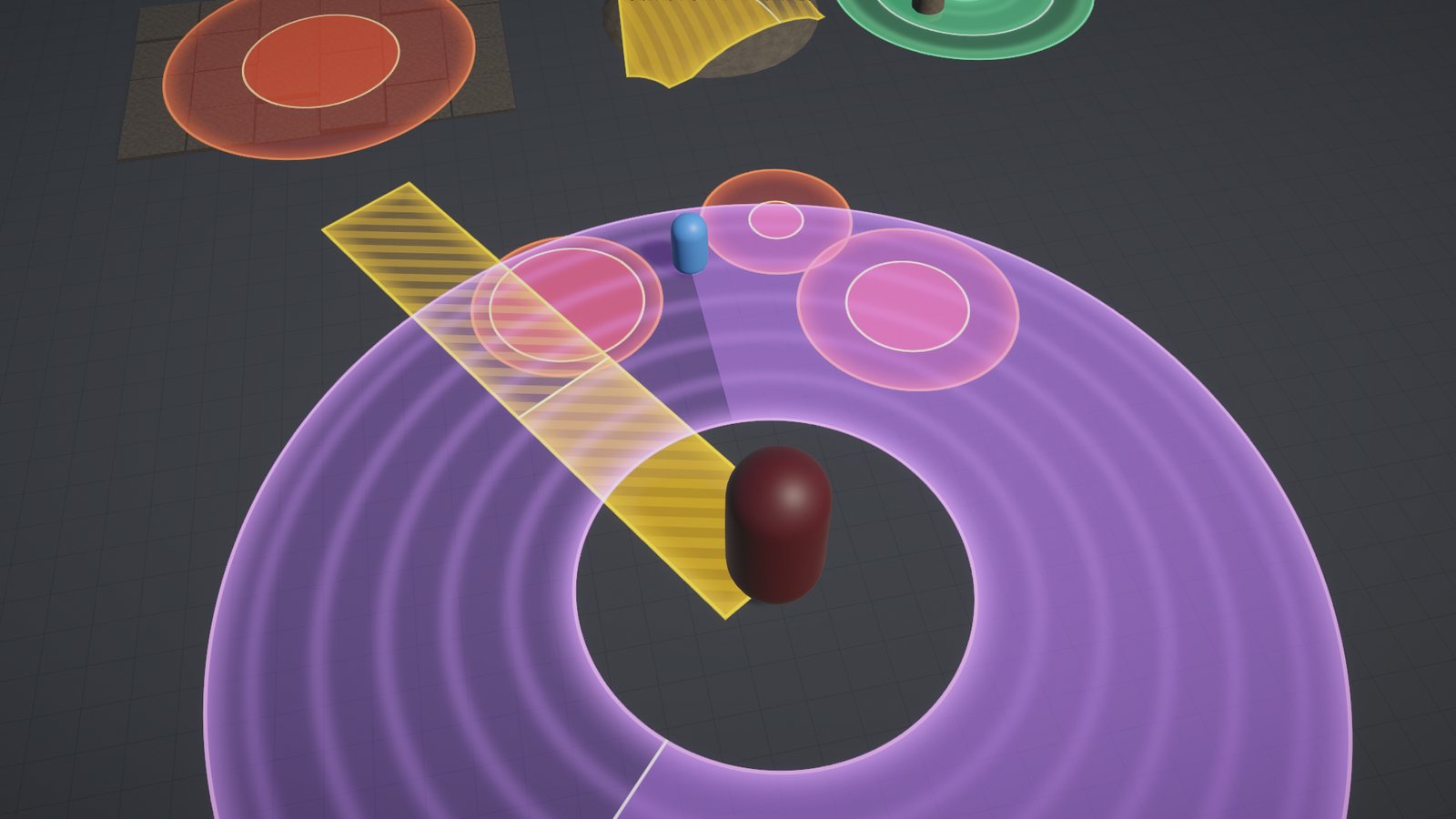
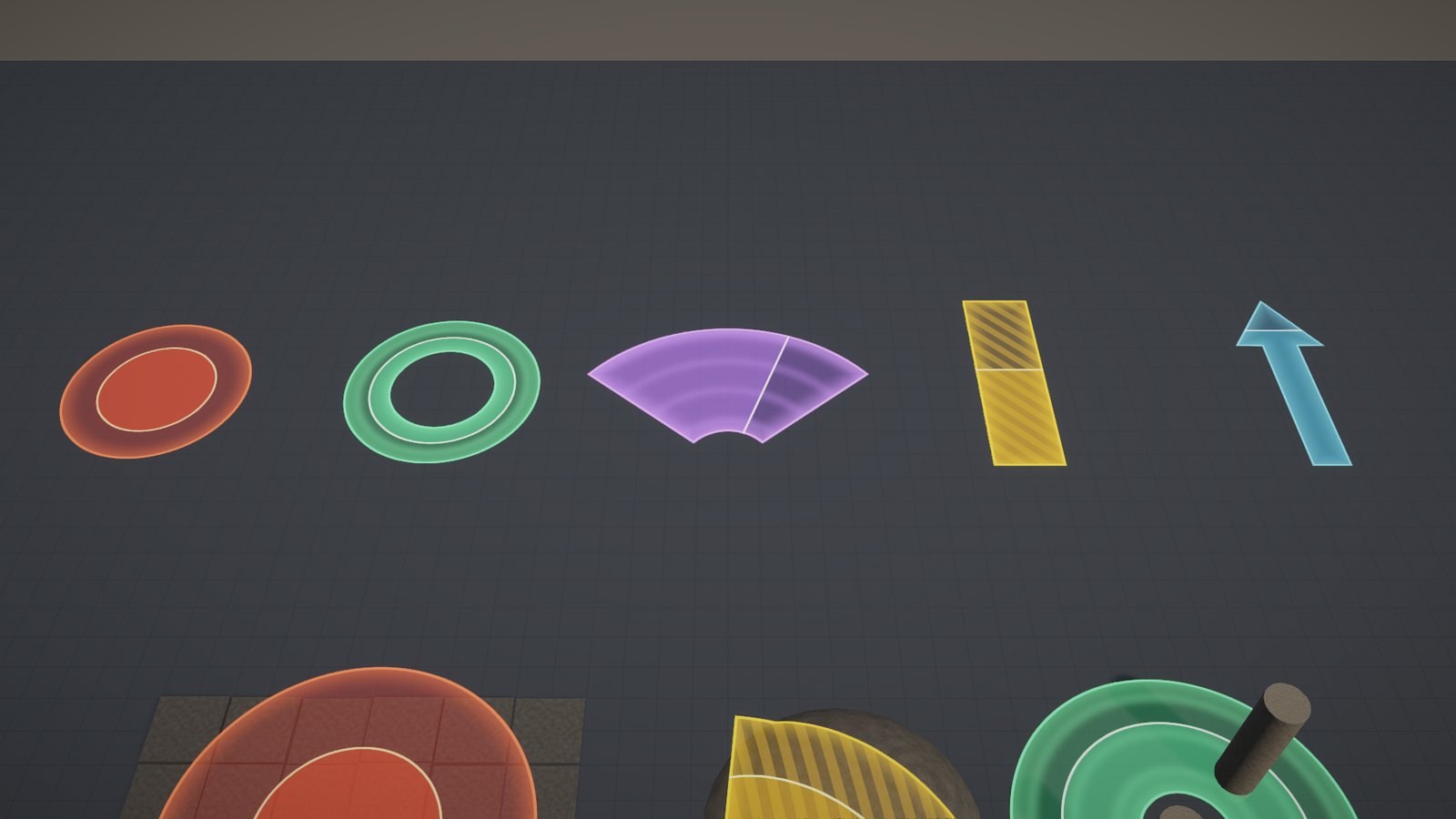
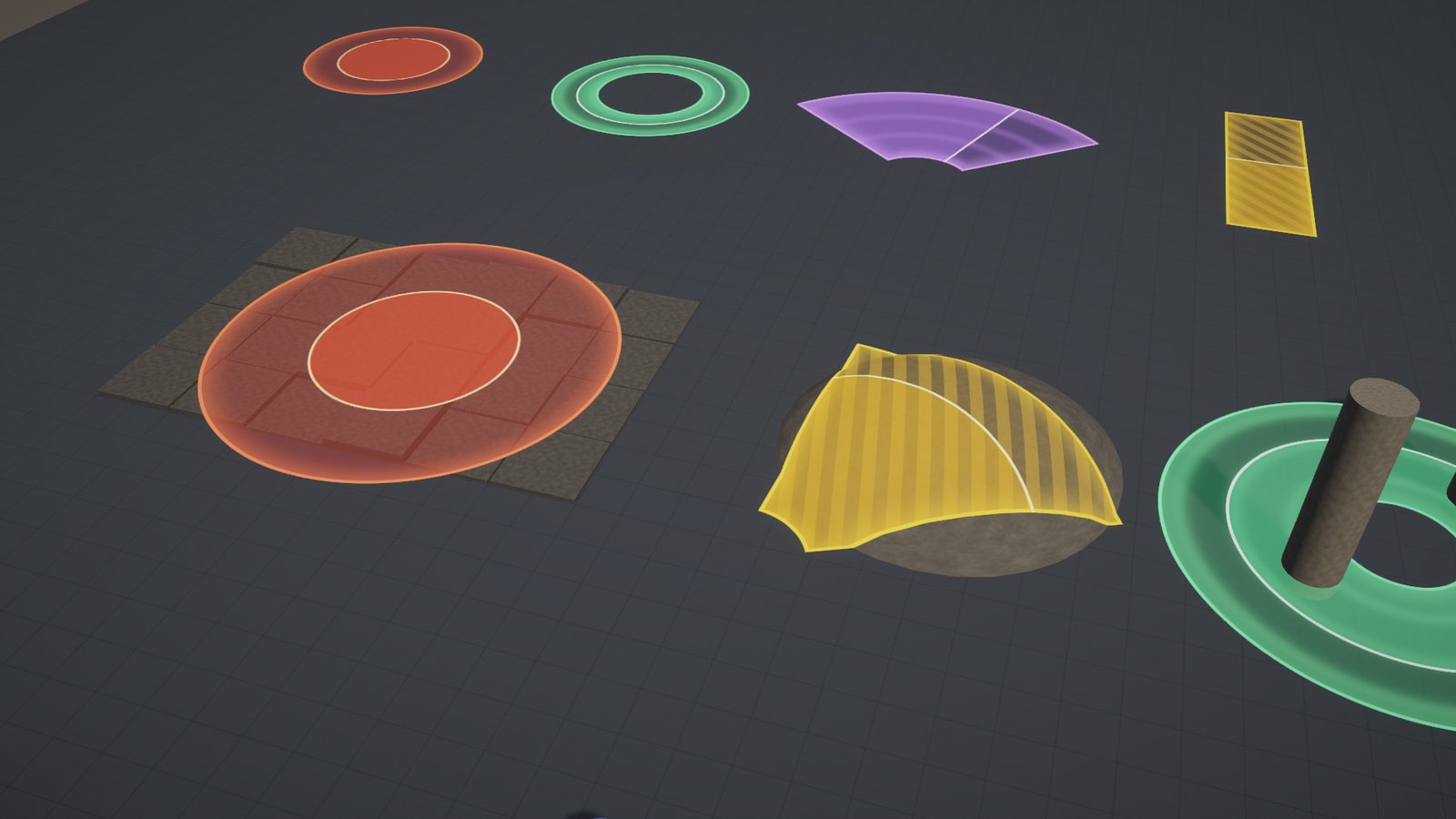
Features
- Five shapes: circle, ring, cone with an optional inner radius, line, arrow
- Sizes in exact metres: borders and glows keep their width at any size
- Cast progress that grows outward, grows inward or sweeps, with a moving edge and a completion flash
- Flat mode with ground tolerance for uneven floors
- Projected mode that drapes over terrain and props and fades out on walls
- Depth tested for danger zones, always on top for aim previews
- Styles are materials: HDR colours, edge glow, stripes or ripples, pulse, alpha or additive
- Pooled one-line API, plus hit tests that use exactly the shape players see
- Fade, flash, hold or loop; callbacks, events, manual time stepping
- GPU instancing, scene handles, live Edit Mode preview
- Four demo scenes and full offline documentation
One line to cast
Telegraphs.Circle(target, 4f, danger).Play(1.5f, () => DealDamage(target));Requirements
| Unity | 6000.0 or newer (tested on 6000.0 LTS and 6000.6) |
| Render pipeline | URP 17+: Forward, Forward+ and Deferred; perspective and orthographic cameras |
| Projected mode | Camera Depth Texture (the inspector can enable it) |
| Not supported | Built-in Render Pipeline, HDRP |